pyvista.Plotter.add_legend#
- Plotter.add_legend(
- labels=None,
- bcolor=None,
- border=False,
- size=(0.2, 0.2),
- name=None,
- loc='upper right',
- face=None,
- font_family=None,
- background_opacity=1.0,
凡例をレンダリングウィンドウに追加します.
エントリは,項目ごとに1つの文字列とカラーエントリを含みますリストである必要があります.
- パラメータ:
- labels
list,optional Noneに設定すると,次で指定した既存のラベルが使用されます.リストには,凡例に追加する各アイテムのエントリが含まれています.各エントリには,以下のいずれかが含まれることがあります.
2つの文字列 ([label, color]) ,
labelは追加するアイテムの名前,colorは追加するラベルの色.Three strings ([label, color, face]) where
labelis the name of the item to add,coloris the color of the label to add, andfaceis a string which defines the face (i.e.circle,triangle,box, etc.).facecould be also"none"(no face shown for the entry), or apyvista.PolyData.キー
labelを持つ辞書.オプションでキーcolorとfaceを追加することもできます.これらのキーの値は文字列にすることができます.faceキーの場合,pyvista.PolyDataにすることもできます.
- bcolor
ColorLike, default: (0.5, 0.5, 0.5) 背景色.3つの項目0から1のRGBカラーリスト,またはmatplotlibカラー文字列(例:白色の場合は
'w'または'white')のいずれかです.Noneの場合,凡例の背景は使用不可になります.- borderbool, default:
False 凡例の周囲に境界線を表示するかどうかをコントロールします.デフォルトはFalseです.
- sizesequence[
float], default: (0.2, 0.2) 2つの浮動小数点シーケンスで,それぞれが0と1の間の浮動小数点です.たとえば,
(0.1, 0.1)と指定すると,凡例は図形ウィンドウ全体のサイズの10%のサイズになります.- name
str,optional 簡単に更新できるように,追加したアクターの名前.この名前のアクターがレンダリングウィンドウに既に存在する場合は,新しいアクターに置き換えられます.
- loc
str, default: "upper right" 位置情報の文字列です. 以下のいずれかになります:
'upper right''upper left''lower left''lower right''center left''center right''lower center''upper center''center'
- face
str|pyvista.PolyData,optional Face shape of legend face. Defaults to a triangle for most meshes, with the exception of glyphs where the glyph is shown (e.g. arrows).
You may set it to one of the following:
None:
"none"線:
"-"か"line"3角形:
"^"か'triangle'円:
"o"か'circle'長方形:
"r"か'rectangle'カスタム:
pyvista.PolyData
Passing
"none"removes the legend face. A custom face can be created usingpyvista.PolyData. This will be rendered from the XY plane.- font_family
str,optional フォントファミリ.
'courier','times', または arial'`` のいずれかでなければなりません.デフォルトはpyvista.global_theme.font.familyです.- background_opacity
float, default: 1.0 背景の不透明度を設定します.
- labels
- 戻り値:
vtk.vtkLegendBoxActor凡例のアクター.
参考
例
add_meshを使用する際に,メッシュにラベルを付けて凡例を作成します.>>> import pyvista as pv >>> from pyvista import examples >>> sphere = pv.Sphere(center=(0, 0, 1)) >>> cube = pv.Cube() >>> plotter = pv.Plotter() >>> _ = plotter.add_mesh(sphere, 'grey', smooth_shading=True, label='Sphere') >>> _ = plotter.add_mesh(cube, 'r', label='Cube') >>> _ = plotter.add_legend(bcolor='w', face=None) >>> plotter.show()
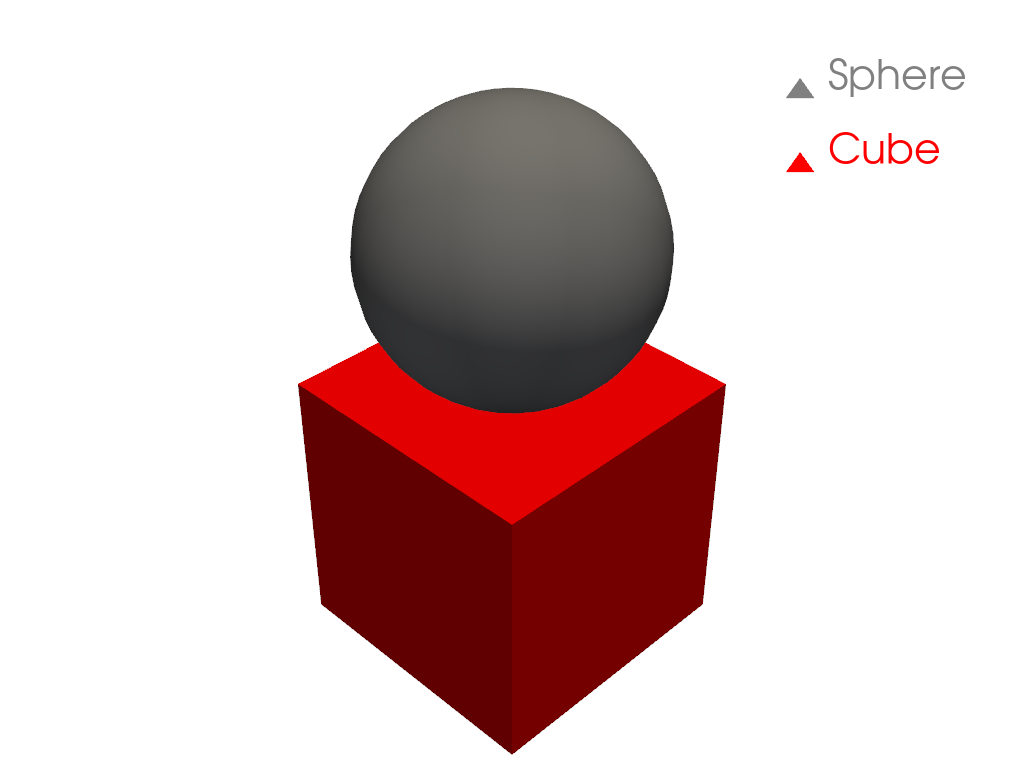
また,プロッタにラベルを貼ることもできます.
>>> plotter = pv.Plotter()
>>> _ = plotter.add_mesh(sphere, 'grey', smooth_shading=True)
>>> _ = plotter.add_mesh(cube, 'r')
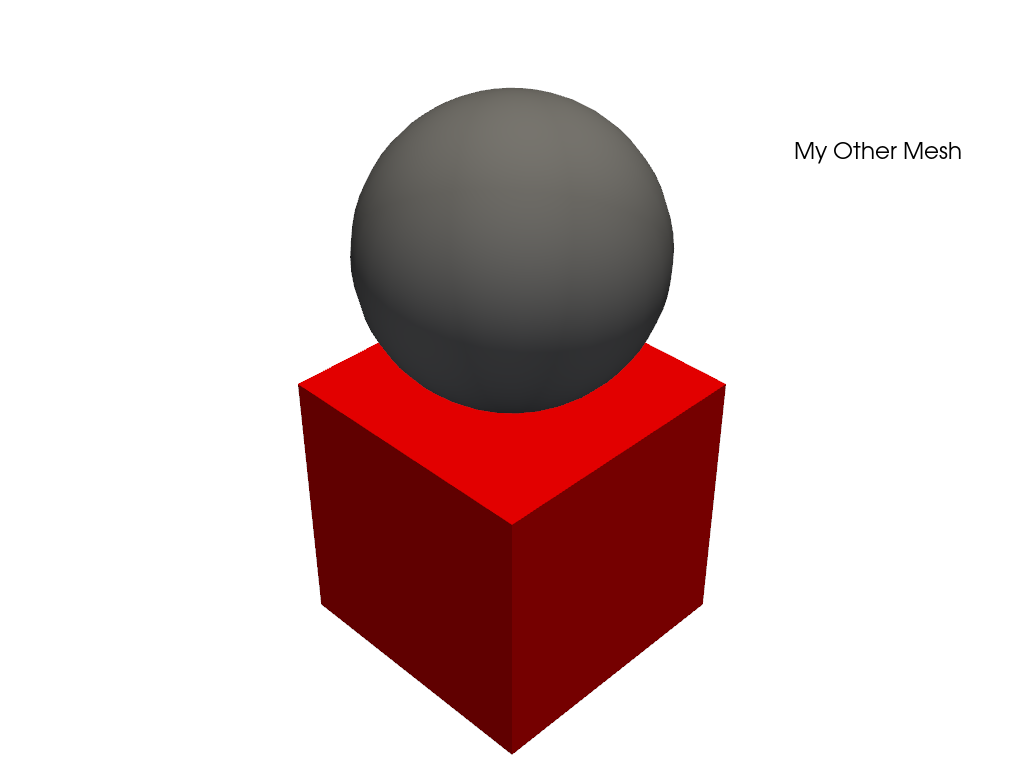
>>> legend_entries = []
>>> legend_entries.append(['My Mesh', 'w'])
>>> legend_entries.append(['My Other Mesh', 'k'])
>>> _ = plotter.add_legend(legend_entries)
>>> plotter.show()